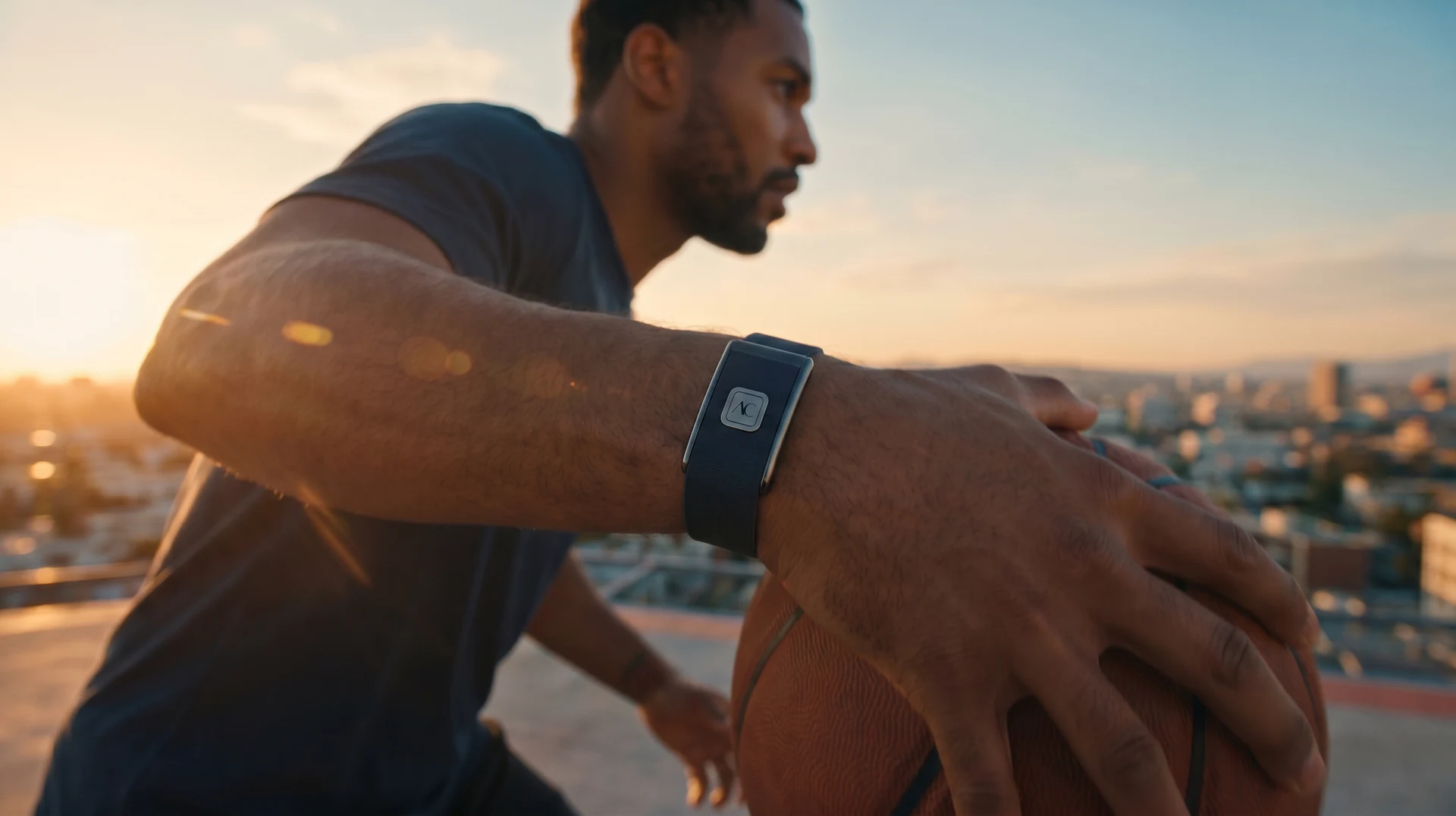
Welcome · Aver Pro setup
Your Aver Pro device is your gateway to a deeper, more connected understanding of your health. Let's get you set up — download the app, pair your device, and watch your health come to life.

Get the AverCare app on your phone.
Connect your Aver Pro in seconds.
Your vitals come alive instantly.
Discover the full ecosystem.
Step 01 — Get the app

Step 02 — Connect
Switch on Bluetooth, then follow these steps in the AverCare app. The moment you connect, your live vitals appear on your dashboard.
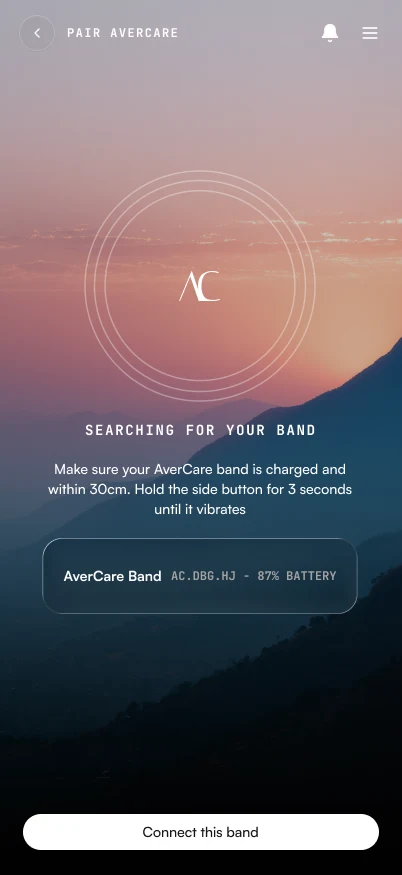
Step 03 — Start tracking
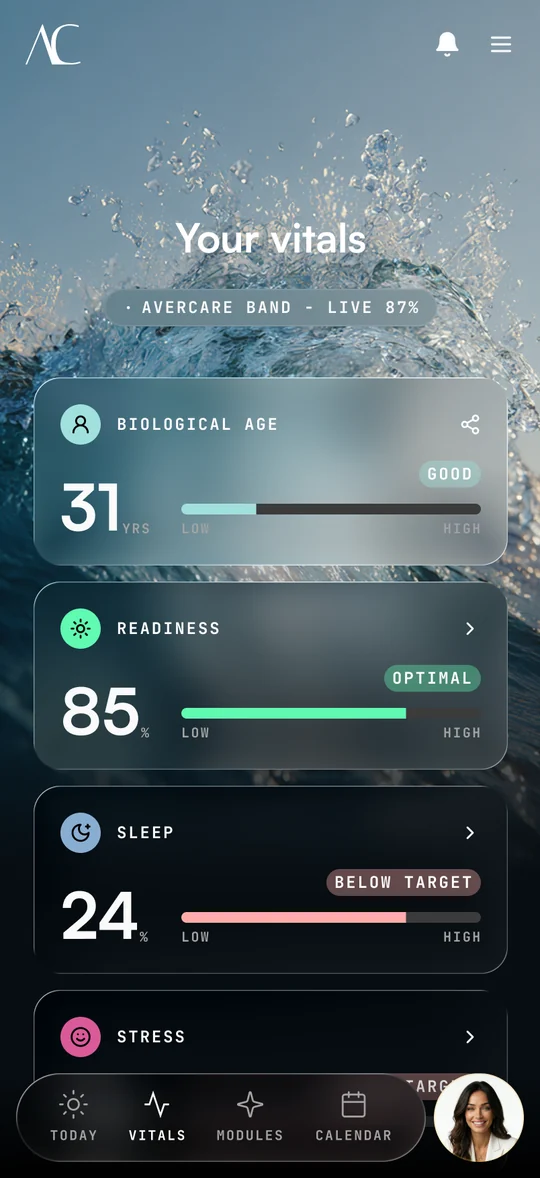
Aver Pro turns everyday signals into clear, daily intelligence — and hands it to Aver, your AI health companion, to guide your next move.
Keeping it powered
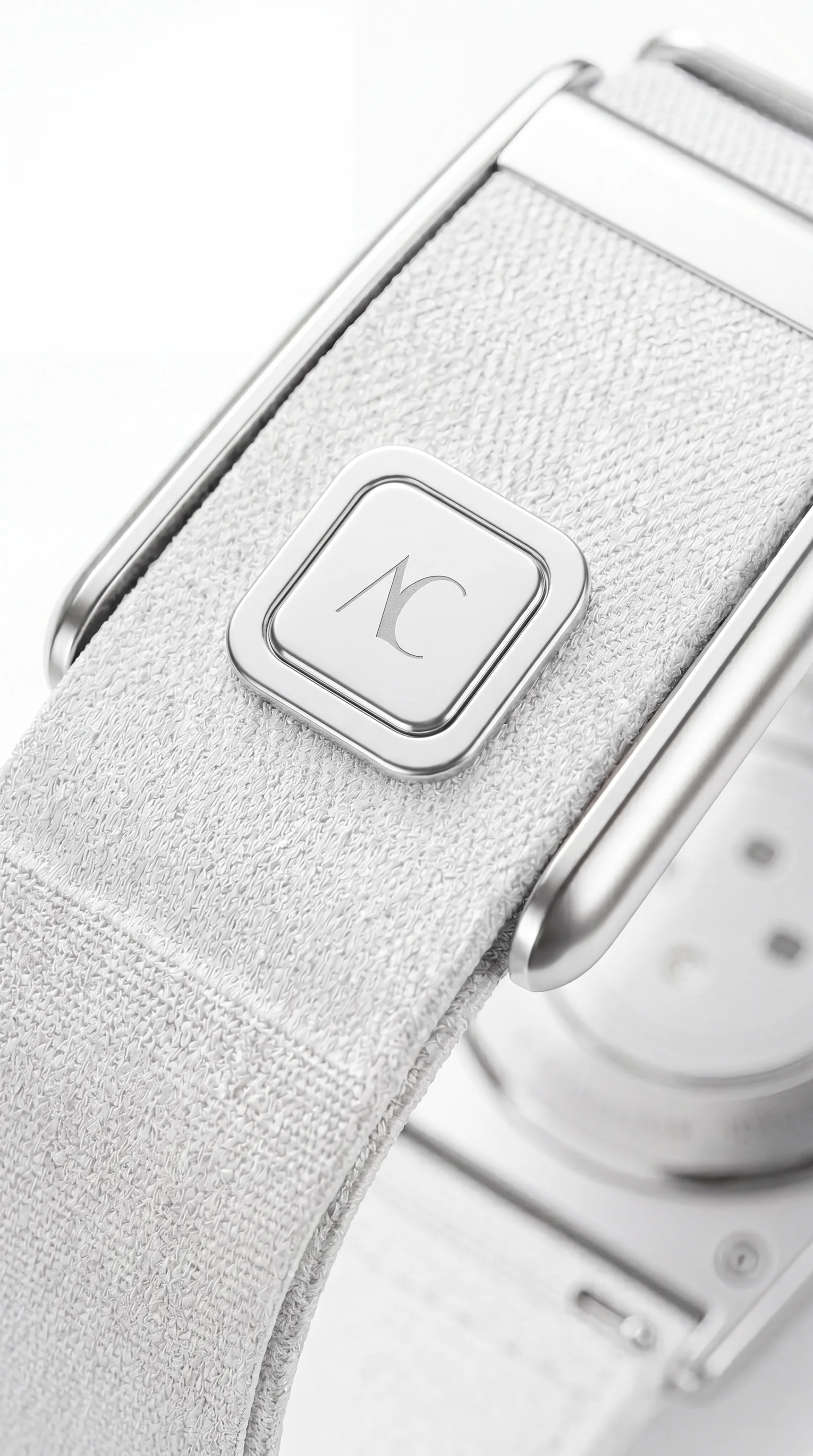
A full charge lasts roughly 15–30 days. Top up with the included magnetic base and Type-C cable.
Step 04 — Explore
Aver Pro monitors a wide range of body signals across the day and feeds them straight into your AverCare health profile.
Aver Pro is a wellness device, not a medical device. Readings are for reference and wellbeing insight, not diagnosis.
Support — good to know
The essentials about your device, plus fast answers if something isn't behaving.
No matches — try a different word, or contact support below.
You're an early tester
As a beta tester you're among the very first. Your real-world use and honest feedback directly influence the product thousands will eventually rely on.
Our team is here to help with setup, pairing, or anything about your Aver Pro device.
support@avercare.globalTypical reply within 1–2 business days · Support hours: TBC
Welcome aboard
Welcome to the future of intelligent healthcare. Know better, with AverCare.